
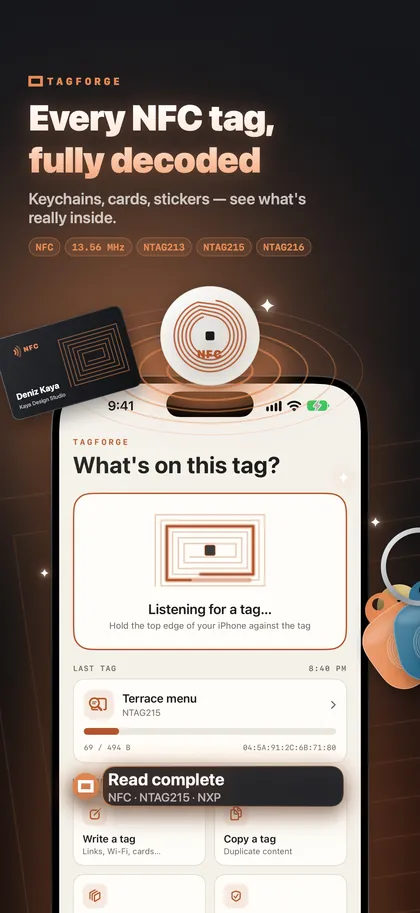
Every NFC tag, fully decoded
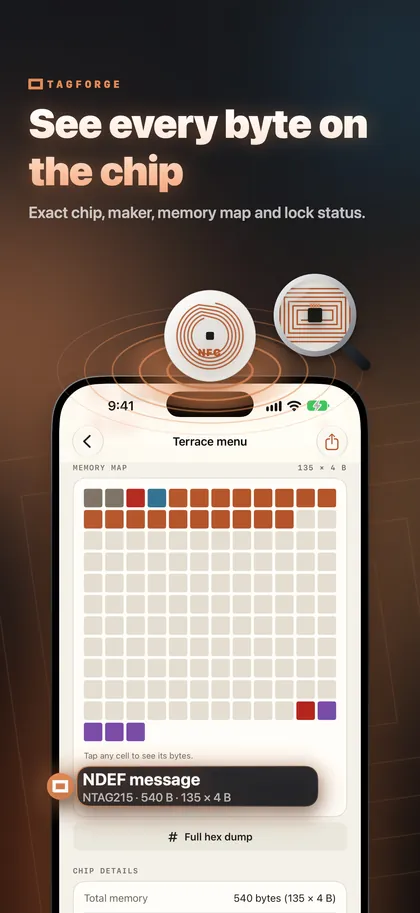
See the exact chip (like NTAG215 by NXP), how much memory is used, whether it is locked, and every record in plain language.
NFC on iPhone guideThe NFC tag workshop for iPhone
Read, write, copy and lock NFC tags — and catch fake links before they fool you. The complete NFC toolkit for iPhone: offline, private, no account.
For iPhone with iOS 17 or later · No account needed
No setup and no sign-up. Hold your iPhone to a tag and TagForge does the rest.
Stickers, key fobs, cards, labels — TagForge finds the chip in about a second.
Chip model and maker, memory used, lock and password status, every record in plain language — plus a safety check on any link.
Program links, Wi-Fi and contact cards, copy tags, write numbered series and protect them with a password.
From your first sticker to a hundred tags for your shop.
See the exact chip (like NTAG215 by NXP), how much memory is used, whether it is locked, and every record in plain language.
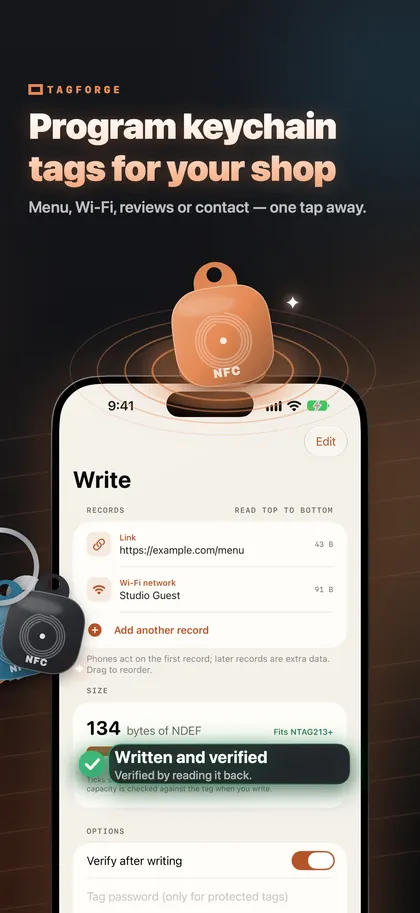
NFC on iPhone guideMenu, Wi-Fi, review page or contact — one tap away for your customers. A size meter tells you which tag you need, and every write is verified.
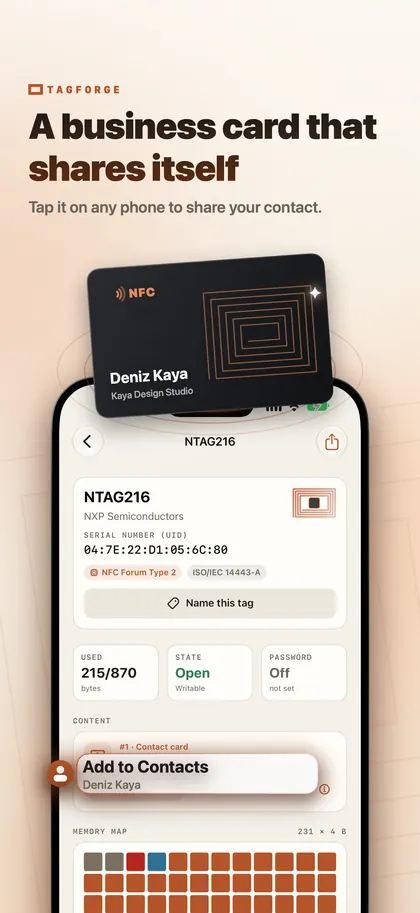
12 ideas for small businessesPut your contact card or profile link on an NFC card or key fob. People save your details with one tap.
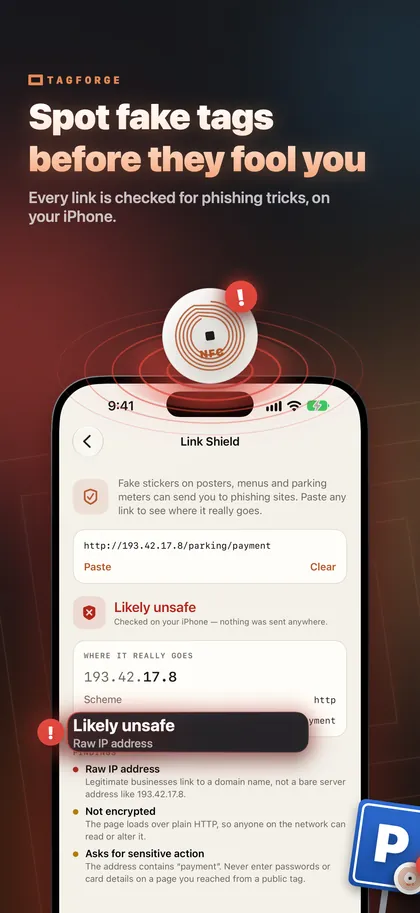
How NFC business cards workLink Shield checks every link for phishing tricks — raw IP addresses, look-alike letters, hidden destinations — right on your iPhone. Nothing is sent anywhere.
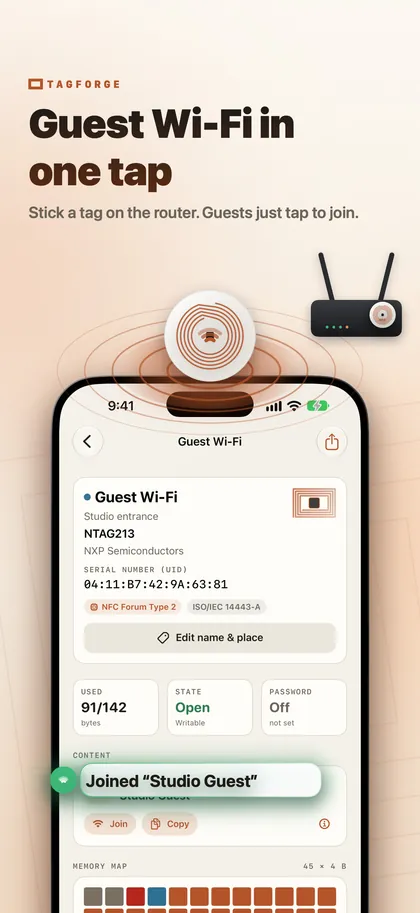
How to spot tag scamsWrite your network to a tag, stick it near the router and stop spelling out passwords.
Share Wi-Fi with a tagA colour memory map and a full hex dump show exactly what is stored, where, and what is locked.
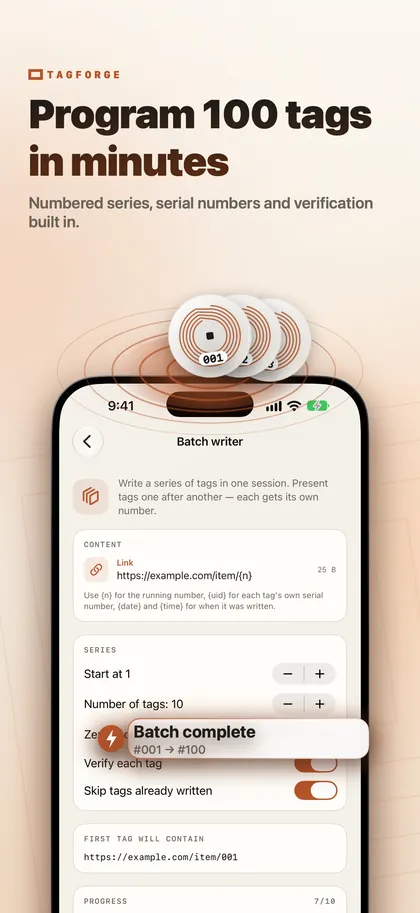
NTAG213 vs 215 vs 216Write numbered series with placeholders, verify each tag and skip the ones already written.
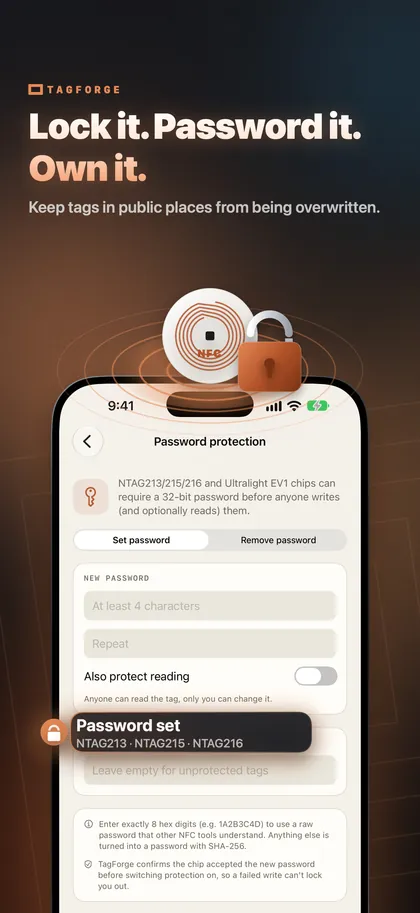
How to write NFC tagsMake a tag read-only forever, or protect it with a password so nobody can overwrite your public tags.
Lock or password-protect a tagReal screens from TagForge on iPhone.
Private by design
TagForge works entirely on your iPhone. There is nothing to sign up for and nothing to track.
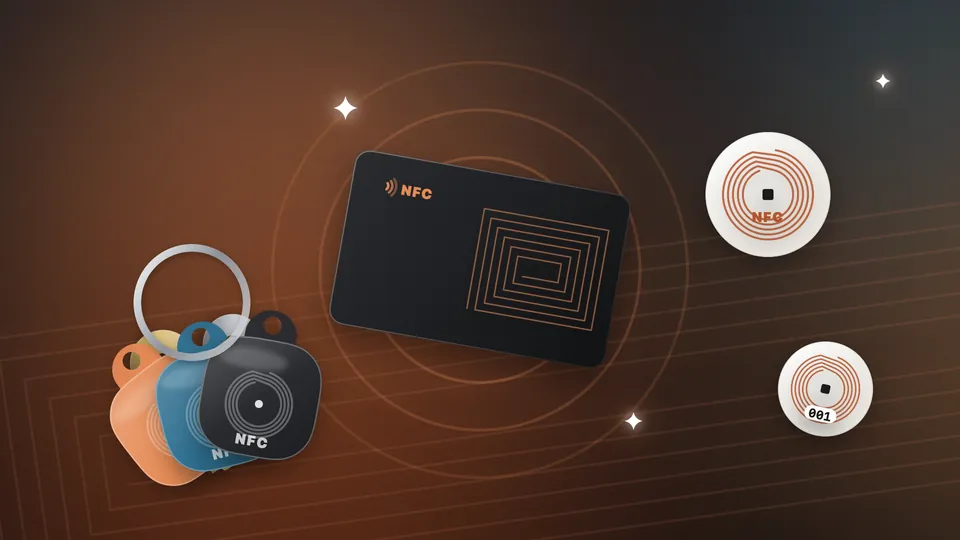
NTAG213, NTAG215 and NTAG216, MIFARE Ultralight and Ultralight EV1, ICODE SLIX and other ISO 15693 tags, plus chip details for DESFire. Writing works on any NFC Forum tag that iPhone supports; lock and password tools support NTAG21x and Ultralight EV1.
Any iPhone with iOS 17 or later: iPhone XS, XR and newer, and iPhone SE (2nd generation) and newer.
Bank cards, transit cards and secured access badges are protected by design and cannot be read or copied by any app.
Clear, tested answers about NFC on iPhone — from your first tag to locking a hundred of them.
Which iPhones have NFC, where the antenna is, how to scan a tag with or without an app, what iPhone does on its own, and how to start using NFC tags.
Write a link, Wi-Fi network or contact card to an NFC tag with your iPhone: which tags to buy, how to check the size, then verify, test and lock the tag.
Compare NTAG213, NTAG215 and NTAG216 by memory, link length and best use, check what your content needs before you buy, and avoid tags iPhone cannot read.
Any iPhone with iOS 17 or later — iPhone XS, XR and newer, and iPhone SE (2nd generation) and newer. Hold the top edge of the phone against the tag.
TagForge copies the content of regular NFC tags, such as stickers and key fobs with NTAG chips, to another tag. Secured badges, hotel keys and 125 kHz fobs are protected by design and cannot be read or copied with an iPhone. Ask your building or hotel whether they offer Apple Wallet access.
No. TagForge works fully offline and has no account. Your scan history and templates stay on your iPhone.
NTAG213 is perfect for links, NTAG215 gives you more room, and NTAG216 is best for contact cards. Use on-metal tags on metal surfaces.
Reading a tag cannot harm your iPhone. The real risk is a fake sticker that leads to a phishing page. Link Shield shows where a link really goes and warns you before you open it.
Yes. TagForge writes standard NFC Forum records, so links, contacts and Wi-Fi tags work on Android phones too.
Download TagForge and turn any sticker, card or key fob into something useful.
Download on the App StoreFor iPhone with iOS 17 or later · No account needed